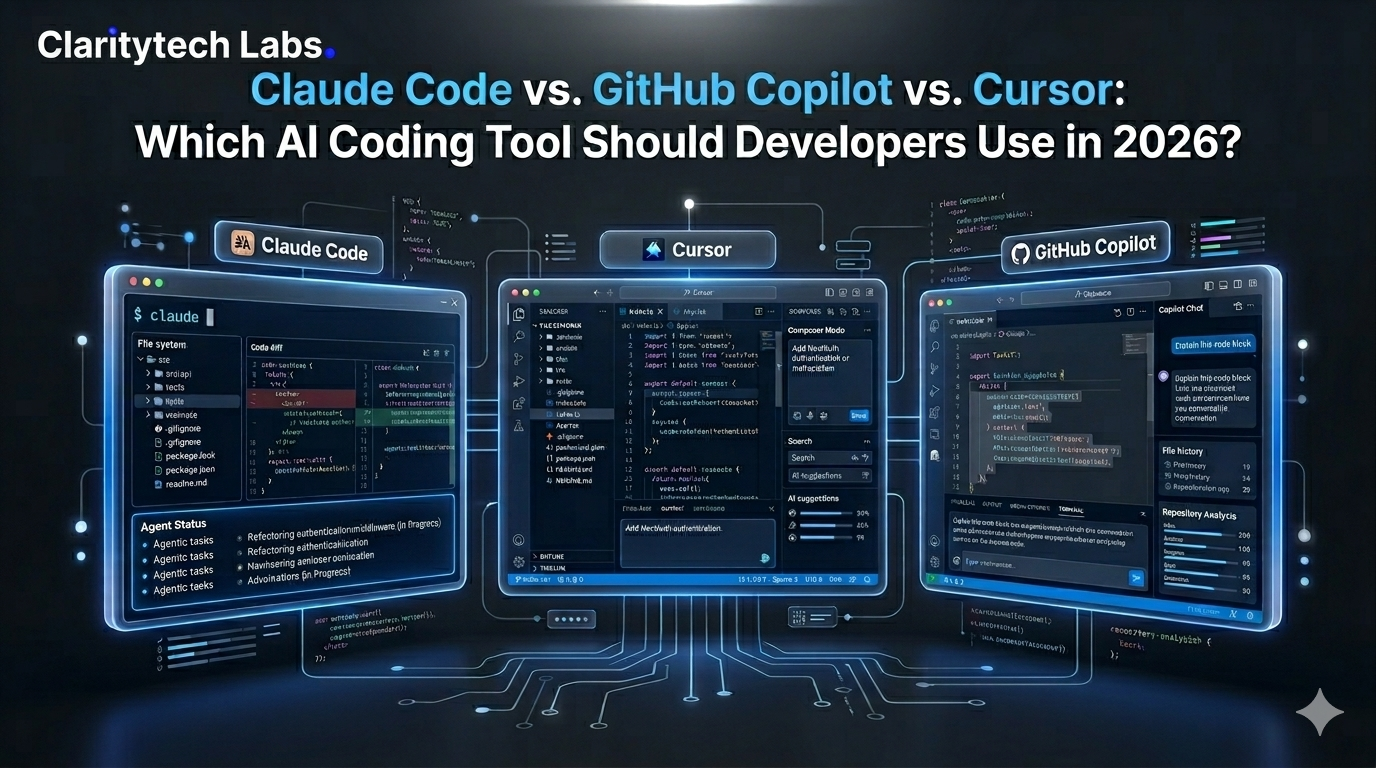
If you’re writing code in 2026, you’ve probably heard the same question a thousand times before: “What AI coding platform are you using?” Claude Code vs GitHub Copilot vs Cursor, are all great, but they all do totally different things. Choosing the wrong one simply means that you’re wasting $20 on your monthly subscription. It will seriously slow you down for months, and if you’re choosing the platform for your development team as their tech lead, the wrong choice will set the pace of work for the whole upcoming year. This blog will tell you what each of the tools offers, and who should be choosing the service in your case.
What the Numbers Say
What do the numbers show before we start comparing? To make sure that our comparison would be relevant, it is important to learn the state of AI coding tools among US developers.
Speaking specifically about the United States and Canada, you should pay attention to the fact that, as of January 2026, Claude Code has achieved 24% adoption, whereas, across the globe, only 18%. However, Copilot is still dominating in terms of enterprise adoption, having gained 40% in companies with more than 5,000 employees. And startups? Claude Code is leading with 75%, second being Cursor (42%).
The Difference
Comparison blogs spend five paragraphs comparing the features of each solution. But the difference between these three solutions lies in a rather simplistic concept, the integration of the AI into your work process.
GitHub Copilot works as a plugin in your IDE and analyzes what you type and assists you in completing your important tasks.
Cursor is your IDE – it is an independent clone of VS Code developed from scratch with all layers integrated with AI.
Claude Code works in your terminal and gives commands to complete tasks independently.
GitHub Copilot
Since its release in 2021, GitHub Copilot has been conditioning programmers belonging to an entire generation to develop software code with the help of AI. Four years later, GitHub Copilot continues to be the most popular AI coding software with 26 million+ users.
What Copilot Does Well
Copilot integrates seamlessly with VS Code, all JetBrains IDEs (including IntelliJ, PyCharm, WebStorm, GoLand), Neovim, Xcode, Visual Studio, and dozens more. Simply install the plugin, sign in through your GitHub account, and start coding with Copilot in less than five minutes. There’s no requirement for any other tool or process change, or learning a new set of keyboard shortcuts.
As far as repetitive and patterned programming is concerned, nothing comes close to the effectiveness of Copilot. From CRUD programming, API, SQL, unit tests, and all kinds of programming-related activities, Copilot knows what needs to come next.
|
AI-Powered Development Insights for Modern Engineering Teams Accelerate your software delivery with intelligent engineering solutionsClarityTech Labs helps organizations adopt next-generation AI development tools, modernize legacy systems, and implement scalable engineering practices — from strategy to execution. Enterprise-ready solutions • Fast onboarding • Proven expertise |
Cursor, The AI-Native IDE
Cursor started from scratch by integrating AI in VS code. The use of AI in the code editor is very important, but you can’t just say that Cursor is just another plug-in. There are two things that make Cursor stand out from the rest of the AI programming applications in the market which are Composer and Agent mode. These two transform your interactions with your code.
The Composer component is really great at letting the programmer give commands in English. For example it shows you how to give commands like “add user authentication using NextAuth and also update the middleware and the test case “. It makes sure that the Composer component knows what to do the whole time. The Composer component is also very good at editing lots of files at the time. Other tools can only change one file. The Composer component can change five to seven files that are related to each other without getting confused.
This tool also provides the users with the option of choosing an AI model that is not provided in other tools such as Copilot and Claude Code. The reason for most programmers preferring Claude over others while tackling coding problems is the better reasoning ability offered by this particular AI model. On the other hand, the GPT models are ideal when it comes to quick coding and normal programming.
Claude Code
Claude Code came in May 2025. In just eight months from its launch, it achieved up to 46% of the most loved rating amongst the developer community in January 2026. Unlike any other, Claude Code is not an IDE or a plugin.
What Claude Code Actually Does Well
You open your terminal window, change to your project directory, and then run claude. You tell Claude, “Please rewrite our authentication middleware to use JWT tokens and ensure that the tests pass in CI.” Claude Code reviews your entire codebase, changes anything necessary, runs your tests, and verifies their output.
Agentic coding is the essence. Not auto-completion. Not just chatting at the sidelines. An agent that analyzes your entire code and changes it in several steps in just one go.
It is important to note that, from the point of view of technology application, the above is no longer science fiction. For instance, Claude Code managed to achieve the outstanding score of 80.8% on SWE-bench Verified. Claude Code offers you new possibilities in terms of the achievements of a software engineer. The responsibility here will be transferred not to individual functions or files, but to features, which will be performed by Claude while you think about and define your options.
Which Tool Wins?
You are an individual developer or a hacker.
For you, the stack that will suit perfectly is Claude Code + Cursor. You will be using the Cursor every day for editing and auto-completion of code. Whenever you need to add a new feature all alone without the help of other developers, you can do this easily by describing your problem in Claude Code and then forgetting about it for some time till your issue gets resolved. In 2026, a single developer will be able to develop software products as a group of people does.
You are employed in a startup (not more than 50 employees)
It is known that most of the startups in the USA (about 75%) already use Claude Code. This fact is hardly coincidental. Each programmer in a startup must be working productively, and Claude Code can make sure of this. With the aid of the Cursor IDE Pro valued at $20 monthly, you will manage to beat even the competitors with three times bigger teams.
You are an enterprise team with more than 500 employees.
Consider using GitHub Copilot Business/Enterprise in the beginning. Your procurement department will have no difficulty getting it included under your existing license to Microsoft products, your IT security people will already know the product well, and SOC 2 compliance and audit capabilities will take care of all regulatory requirements well in advance of you having any thoughts about the tool. When Copilot is established as the default starter code tool for your company, bring in Claude Code for the premium architects.
You are a student or a total beginner coder.
Start with the free version of GitHub Copilot. Use the VS Code extension to learn coding; Copilot will suggest the next step. These suggestions won’t help you jump over the learning curve, but they will just get you across it more easily. Wait for six months and then graduate to Cursor.
Your programming language is Python.
Claude Code is simply unmatched because of its capability to reason through the complicated machine learning scripts that depend on the entire picture of the project rather than separate files. Though Copilot is amazing at handling separate files within the notebook environment, it won’t be able to cope with the project itself.
Your programming environment is GitHub.
Use GitHub Copilot and install the more sophisticated version of it referred to as GitHub Copilot Workspace. Everything needed from this software is available to be used by you for your coding needs.
The Workflow Most Developers Use
One thing you will definitely not come across in those “Best AI Coding Tools 2026” blog articles is that experts certainly do not depend on any one particular platform.
For day-to-day editing: Start your Cursor once you wake up, and use Composer to complete all your multi-level operations. Use tab completion in the rest of the repetitive jobs. You can get 80 percent of your development done with Cursor alone.
For complicated operations: Claude Code. In case a developer needs to refactor a system consisting of 15 files, perform security analysis, move dependencies, or anything that needs a thorough understanding of the entire code base, open your terminal and hand it to Claude Code.
Copilot is the starting point for a company: Ensure that Copilot works in JetBrains and/or VS Code as the single platform that will be used, and the IT department has already approved its use. It is important to ensure that Copilot can work for developers who might not yet want to integrate with Cursor and/or Claude Code.
Each tool will do what it does best and take care of different aspects of the developer’s daily workflow.
The Bottom Line
You need to stop wasting your time looking for the best coding partner for AI in 2026. But if there is anything that will deliver all the needed functionality for starting to code through compliance and integration, then it must be GitHub Copilot. When you are an individual who is at the very early stages of becoming a coder, then surely you should choose this tool. As you see, everybody knows about this particular tool, and the procurement department is aware of it as well.
However, if you need something that will help you in dealing with various files while using your IDE with extreme convenience, then surely you need to go for Cursor. The best thing that you could get in case you have some complicated tasks, like large-scale refactoring and creation of new features autonomously, would be Claude Code.
And in 2026, when you need to go as fast as possible, combine all three solutions. Do you want to build your product with an AI agent or automate the development process in your company? At Claritytechlabs, we offer solutions based on AI agents for software teams, SaaS platforms, and enterprises. Let’s schedule a meeting and talk about your opportunities.